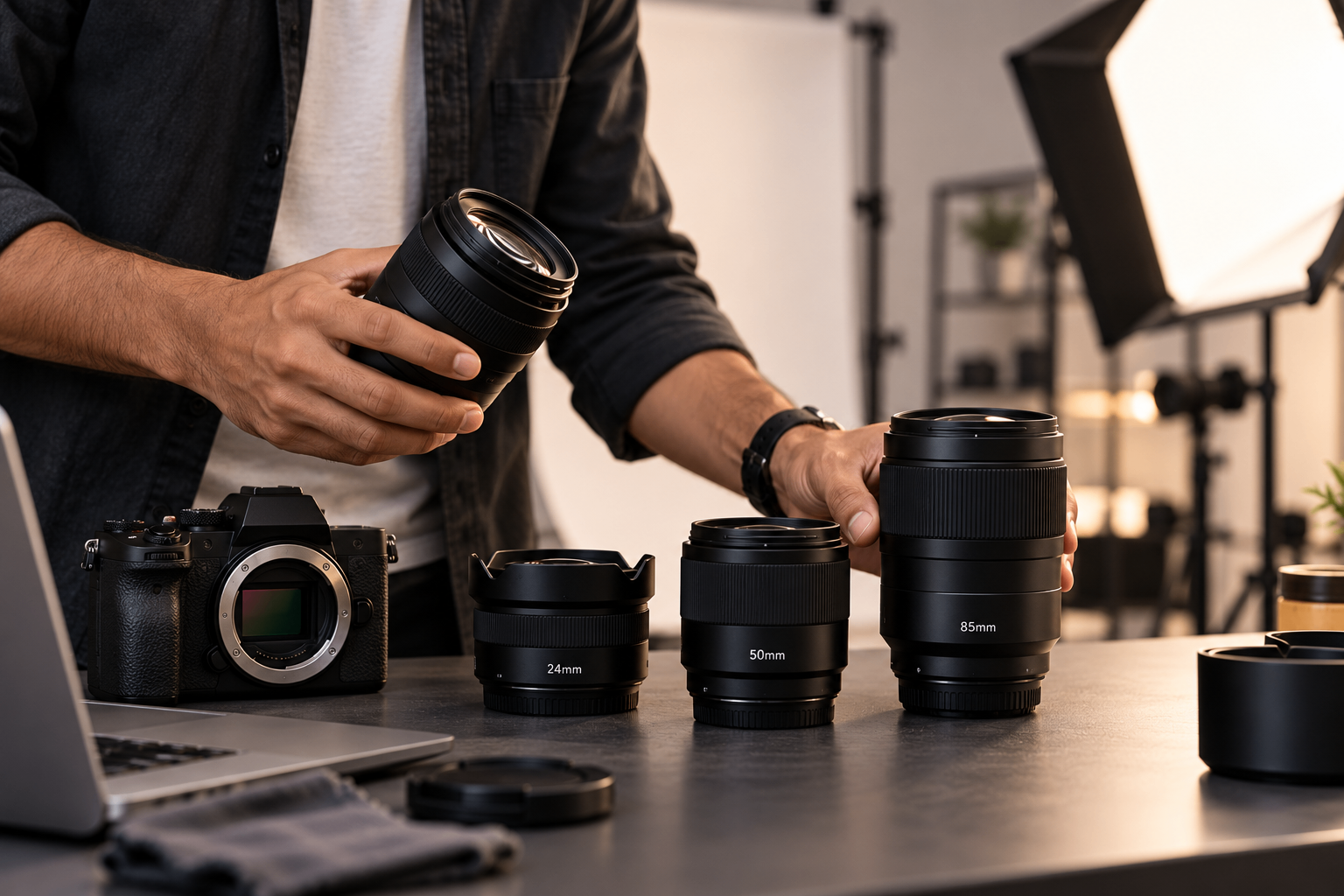
A camera body is only one part of the photography setup. The lens you choose affects framing, perspective, background appearance and how much of the scene fits into the image.
A lens that works well for portraits may not be the most practical choice for a small product or a wide studio scene. Understanding a few basic differences can help you choose equipment more confidently.
You do not need a large collection of lenses for every project. Start by understanding the purpose of the shoot, the space available and the type of image you want to create.
What Should You Know About Camera Lenses?
Four properties account for most of the difference between one lens and another. Understanding them makes the rest of the decision straightforward.
Understand Focal Length
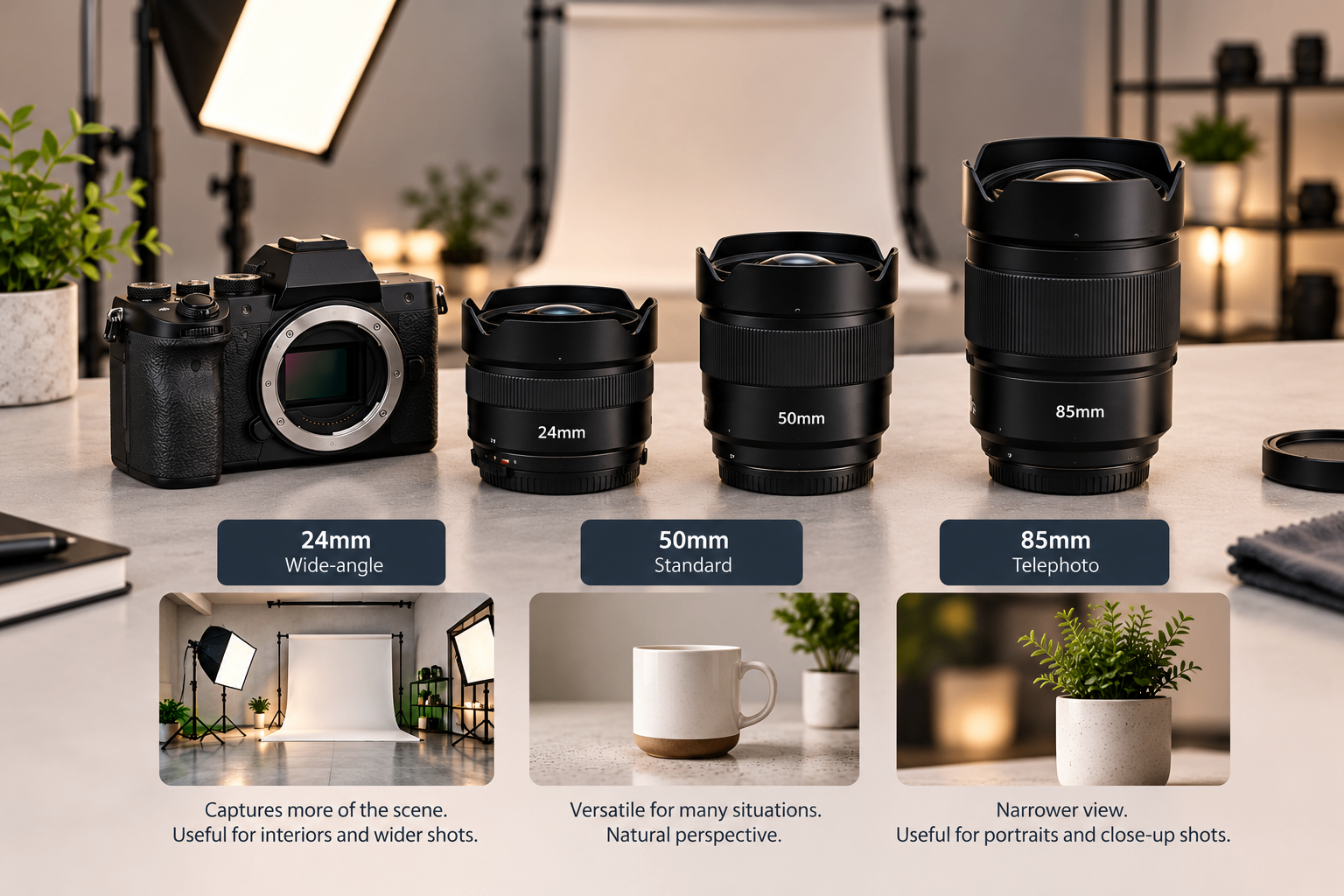
Focal length, measured in millimetres, influences the angle of view and framing.
Wide-angle lenses: Capture more of the scene and can be useful for interiors, environmental portraits and wider compositions.
Standard lenses: Offer a versatile field of view for many everyday photography situations.
Telephoto lenses: Provide a narrower view and can be useful for portraits, distant subjects and tighter framing.
The best focal length depends on the subject and how much room you have to work with.
Choose a Lens for the Subject
Different subjects have different requirements.
For portraits, a standard or short telephoto lens can help create flattering framing. For product photography, the choice depends on product size, working distance and whether you need close-up details. For interiors, a wider lens can help capture more of the space.
Avoid choosing a lens only because it is popular. Think about the image you need to produce.
Consider Aperture
A lens's maximum aperture affects how much light it can transmit and how easily you can create a shallow depth of field.
A wider aperture, such as f/1.8, can be useful in low light and when you want a blurred background. A smaller aperture, such as f/8, can help keep more of a scene in focus, depending on the subject distance and camera setup.
For product photography, you may need more depth of field to show important details clearly. For portraits, a shallow depth of field may suit the intended style.
Check Camera Compatibility
Not every lens works with every camera body.
Before choosing a lens, confirm the mount, sensor coverage, autofocus compatibility and any relevant stabilisation features. If you are renting equipment, share your camera model with the provider before confirming the lens.
How to Select a Lens for Your Project
Once the fundamentals are clear, the choice comes down to the specifics of your shoot — the room, the light and the image you need at the end.
Start With Your Shooting Distance
Consider how far you can stand from the subject. A wide lens can be useful in a small room, but moving too close to a face or product can exaggerate perspective.
A longer lens may require more distance between the camera and subject. Make sure the available studio space supports the framing you need.
Think About the Final Image
Ask yourself what the image should communicate.
Do you need to show the full environment, isolate a person from the background, capture a product's details or create a close-up? Your answer will help narrow down the lens options.
Match the Lens to the Lighting
If you expect to work in low light, a wider maximum aperture may be helpful. In a controlled studio with suitable lighting, you may have more flexibility to choose a lens based on framing and depth of field.
Lighting and lens selection should work together rather than being treated as separate decisions. You can also explore How Lighting Changes the Quality of a Photoshoot for guidance on planning your lighting.
Rent Before Investing in More Equipment
If you only need a particular lens for one project, renting can be a practical way to test its suitability before buying.
Studio Space Coimbatore lists camera and lens add-ons on its studio rental page. Check the current equipment list, compatibility and availability before booking.
Quick Checklist
Before selecting a lens:
Identify the type of shoot.
Decide the required framing.
Measure or estimate the available shooting distance.
Check the maximum aperture you need.
Confirm camera and lens compatibility.
Consider the lighting conditions.
Verify rental availability, if applicable.
Camera Equipment at Studio Space Coimbatore
Choosing equipment is easier when you begin with the requirements of the shoot. Consider the subject, framing, space, lighting and final image format before selecting a lens.
Studio Space Coimbatore provides a studio environment for photography and video projects, with equipment add-ons listed on its website. Confirm the exact lens model and availability before your session.
Questions & Answers
Which lens is best for beginners?
A standard zoom lens or a versatile standard prime lens can be a useful starting point. The right choice depends on your camera, budget and the types of photographs you take.
Which lens is suitable for portraits?
Standard and short telephoto lenses are common portrait choices. The best focal length depends on the desired framing, working distance and visual style.
Is a wide-angle lens good for product photography?
It can be useful for products shown within an environment, but close wide-angle framing can distort proportions. For accurate product images, choose a lens and working distance that preserve the product's appearance.
What does aperture mean on a camera lens?
Aperture describes the opening through which light enters the lens. It affects exposure and depth of field, alongside other factors such as focal length and subject distance.
Should I rent or buy a camera lens?
Buying may make sense for frequent use. Renting can help when a project requires a specialised lens or when you want to test a lens before investing in it.
The Right Lens Is the One That Suits Your Shoot
Plan your framing before choosing equipment, check camera compatibility and test the setup whenever possible.
For photography projects requiring a dedicated workspace, explore Studio Space Coimbatore.
Comments
Leave a comment
Comments are reviewed before they appear.