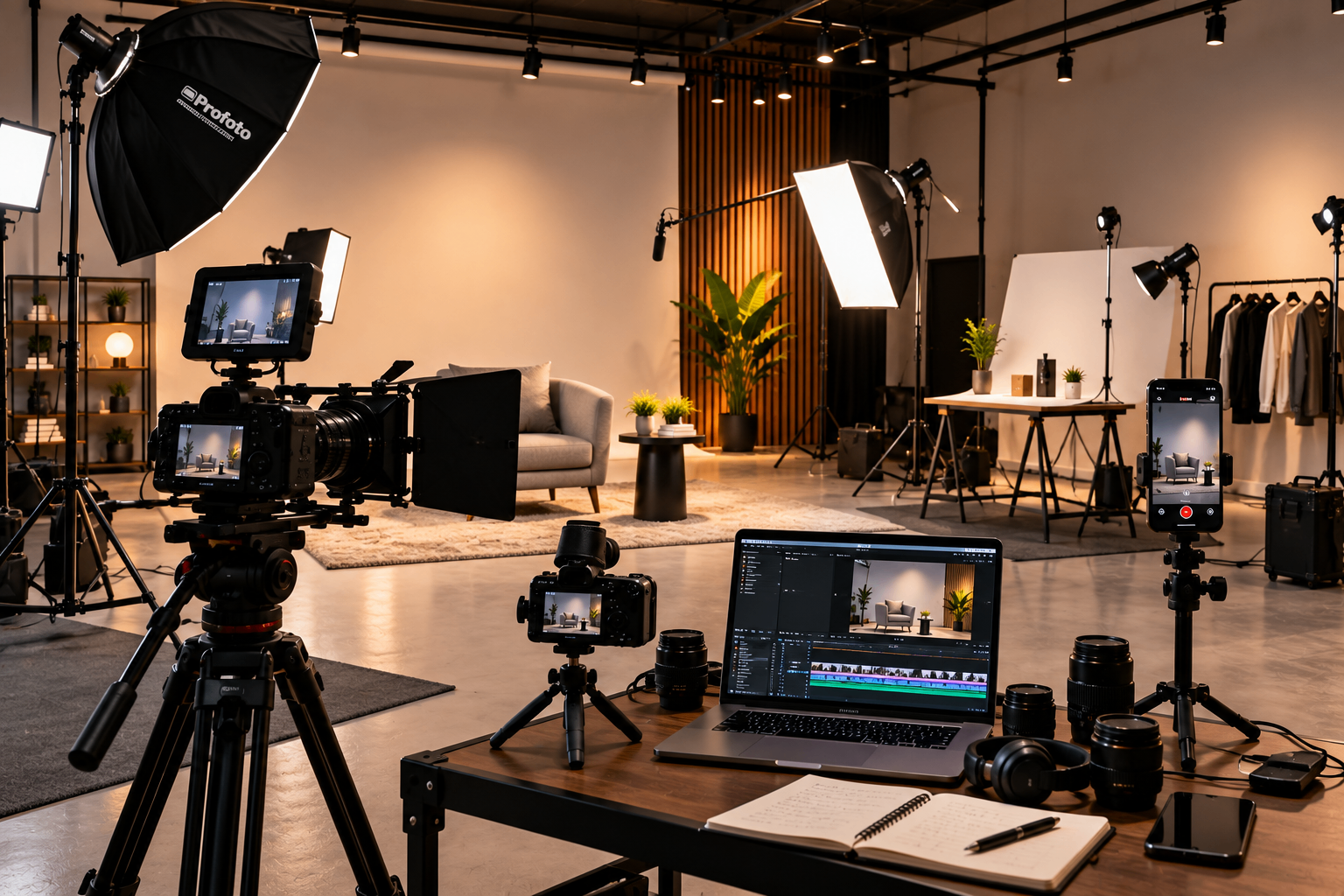
Creating content consistently can become difficult when every post requires a completely separate shoot.
One practical approach is to plan a studio session around multiple pieces of content.
Instead of recording one video and leaving, creators and businesses can prepare several topics, formats, and variations in advance.
A single session could produce a long-form video, several short clips, photographs, product shots, behind-the-scenes content, and social media posts.
The key is planning the content before entering the studio.
What Can You Create From One Studio Session?
A studio session does not have to produce only one final asset.
Long-Form Video
Start with your main piece of content.
Depending on your purpose, this could be:
YouTube video
Interview
Educational video
Business presentation
Product demonstration
Podcast video
This becomes the primary recording from which additional content can be developed.
Short-Form Video
Long-form recordings often contain smaller sections that can work independently.
Useful short-form content can include:
Tips
Answers to common questions
Short explanations
Strong statements
Educational clips
Behind-the-scenes moments
Planning your main recording with these smaller pieces in mind can make repurposing easier.
Photographs
While the video setup is ready, consider capturing photographs as well.
Depending on the project, these can include:
Portraits
Product photographs
Team photographs
Profile images
Social media images
Promotional photographs
This can provide additional visual content without requiring another full production session.
Behind-the-Scenes Content
People are often interested in how content is created.
During the shoot, capture:
Setup moments
Camera preparation
Lighting setup
Team interactions
Short clips between takes
Final production environment
These can become social media stories, reels, or behind-the-scenes posts.
How to Plan a Multi-Content Studio Session
Most of the work happens before the session starts.
Create a Content List First
Before booking the studio, list everything you want to produce. For example:
Main Content — 1 long-form video
Short Content — 5–10 short clips
Photography — portraits, product or brand images
Behind the Scenes — setup photos, short video clips
Having a list helps you understand how much time the session requires.
Group Similar Content Together
Avoid constantly changing the setup.
If several videos can use the same camera angle, background, and lighting arrangement, record them together. Then move to the next setup.
This can reduce unnecessary changes and make the session more organised.
Prepare Your Script or Talking Points
For each video, prepare the essential information beforehand.
You do not necessarily need a word-for-word script. A list of:
Hooks
Main points
Examples
Questions
Closing statements
can be enough for conversational content.
Plan Your Content Repurposing
Think about where each piece of content will be used.
A single recording might become:
YouTube — full video
Instagram — short clips
LinkedIn — educational excerpts
Stories — behind-the-scenes content
Website — supporting video or photographs
This makes the production session part of a broader content strategy.
Quick Checklist
Before your studio session:
Prepare the content list
Decide the priority content
Prepare scripts or talking points
Group similar setups
Plan photography requirements
Plan short-form content
Capture behind-the-scenes material
Keep extra time for retakes
Content Creation at Studio Space Coimbatore
Studio Space Coimbatore can provide a practical environment for creators and businesses producing different types of visual content.
A controlled studio setup can make it easier to move between video, photography, interviews, product content, and other planned formats during one session.
The important part is to arrive with a clear production plan. When the content list, shooting order, and setup requirements are decided beforehand, studio time can be used more efficiently.
Questions & Answers
How much content can one studio session produce?
There is no fixed number. It depends on the number of setups, people involved, content complexity, and available recording time.
Can I record reels and long-form videos on the same day?
Yes. Planning the shooting order and grouping similar setups can make it practical to produce both during one session.
Should I record photographs during a video shoot?
If the lighting and setup are suitable, capturing photographs during the same session can provide additional content without requiring another shoot.
How do I avoid wasting studio time?
Prepare your content list, scripts, equipment requirements, shooting order, and setup changes before the session.
Is this approach useful for businesses?
Yes. Businesses can use one organised session to create educational videos, team content, product content, social media clips, and other visual assets.
Planning a Content Shoot?
A productive studio session starts before you enter the studio.
Plan the content, group similar setups, prepare your talking points, and decide how the final material will be used.
With the right preparation, one recording session can become the foundation for a much larger content library.
Comments
Leave a comment
Comments are reviewed before they appear.